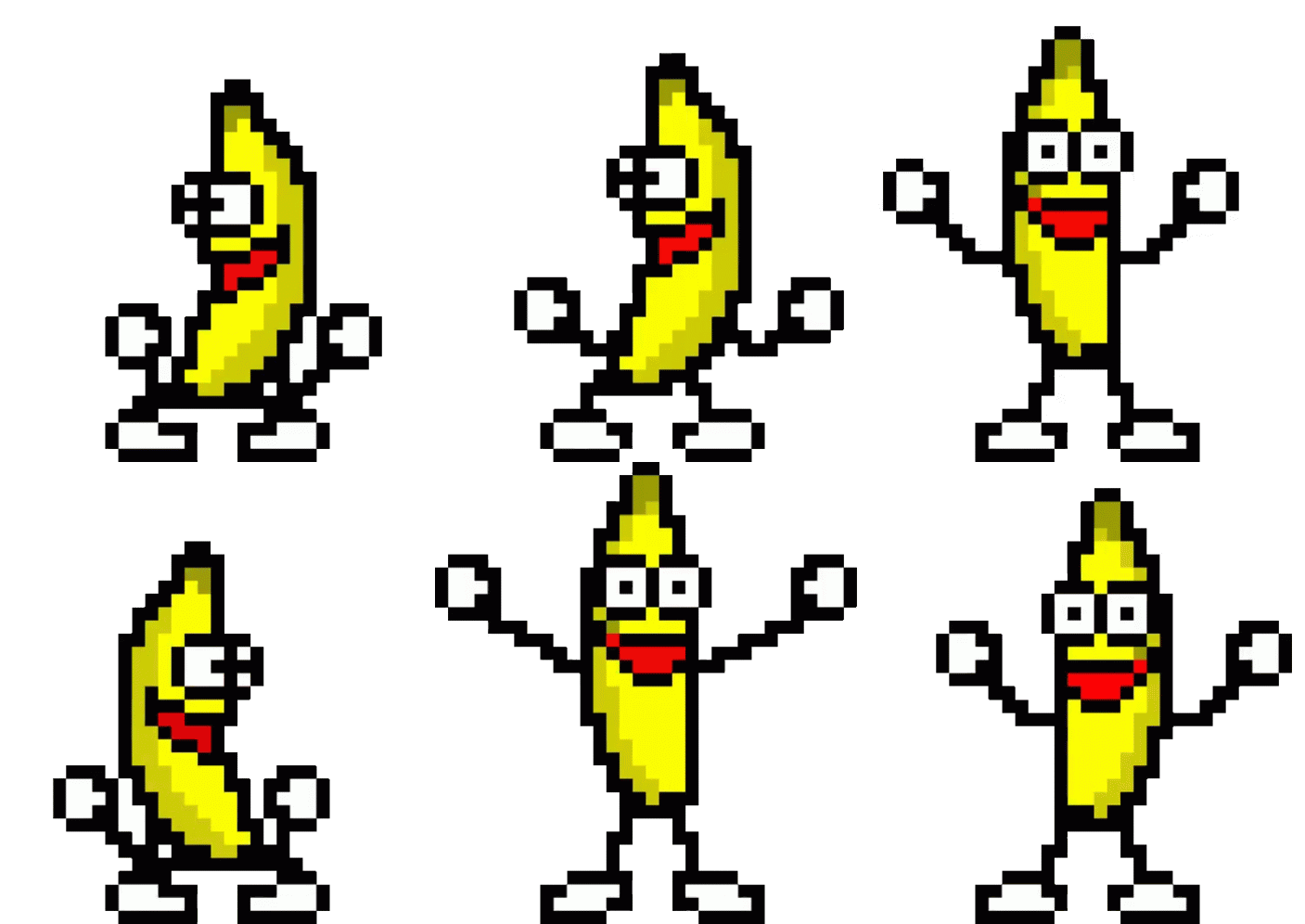
Free emoji & sticker
dancing banana
emoji & sticker
Transparent, free, pre-sized for Discord, Slack, Telegram & Twitch
Yes — the Dancing Banana makes a perfect emoji or sticker. Every file below is transparent and pre-cropped to the exact size each platform wants — no trimming, no resizing, no thinking. Pick your platform:


Your server deserves one nobody else has. Dress your own →
Quick setup
Add it to Discord
- Grab the emoji file: Discord emoji (128px GIF) ↓
- In Discord: Server Settings → Emoji → Upload Emoji and pick the file.
- Name it
:bananadance:and save. Done. - Good to know: animated server emoji show for everyone, but members need Nitro to send them — the still PNG makes a static one anybody can use.
Quick setup
Add it to Slack
- Grab the emoji file: Slack emoji (128px GIF) ↓ — 13KB, comfortably under Slack's size cap.
- In any message field, click the smiley → Add emoji → Upload image.
- Name it
:bananadance:— it animates right in the message line.
Quick setup
Add it to Telegram
- Easiest: send the 512px GIF ↓ in any chat, tap it and choose Save to GIFs — it lives in your GIF drawer forever.
- Building a real sticker pack? Telegram's @Stickers bot takes static 512×512 PNGs: sticker PNG (512px) ↓
- Message
@Stickers→/newpack→ send the PNG → pick an emoji for it.
Quick setup
Add it to Twitch
- Affiliates & partners: grab the emote file (128px GIF) ↓
- Creator Dashboard → Viewer Rewards → Emotes → upload as an animated emote — Twitch auto-generates the 112/56/28px sizes.
- Prefer a static emote? Use the still PNG the same way.
Quick setup
Everywhere else
- Microsoft Teams: emoji picker → + Add emoji → upload the 128px GIF (if your org allows custom emoji).
- WhatsApp / Signal: feed the 512px PNG to any sticker-maker app — it's already square and transparent.
- Anywhere that takes GIFs (iMessage, forums, docs, presentations): the 500px transparent GIF just works.
Make it yours
Want a custom banana sticker?
Add shades, a hat, or a caption, then download your own — perfect for a personal server emoji.
Make your own dancing banana →The usual questions
Dancing Banana emoji FAQ
Is there a dancing banana emoji?
Yes — the original, right here, free and transparent. Add it to Discord, Slack, Telegram or anywhere.
Is there a dancing banana emoji to copy and paste?
Not as a Unicode text emoji you can type like 🍌 — the dancing banana is an animated image. So you add it as a custom emoji/sticker: grab the free file above and upload it to Discord, Slack, Telegram and the rest.
How do I add the dancing banana to Discord?
Download the 128px emoji GIF, then Server Settings → Emoji → Upload Emoji → pick the file. It’s pre-cropped — no editing needed.
Can I use the dancing banana on Slack, Telegram or Twitch?
Yes — every platform has its own pre-sized file and 3-step guide above: Slack, Telegram, Twitch.
Where does the dancing banana come from?
It’s the original Dancing Banana, made by Trym Stene in 1999. Read the story →